
A salesman tracking app has to answer three questions for a sales manager in India: did the rep start the day where they should, which outlets did they actually visit, and what happened at each one. xMatix answers all three from records the rep creates while working: a geo-stamped check-in, a location trail that runs only while they are checked in, and visits with their orders and tasks. It works offline, and the rep can always see when tracking is on.
Attendance that proves where the day started
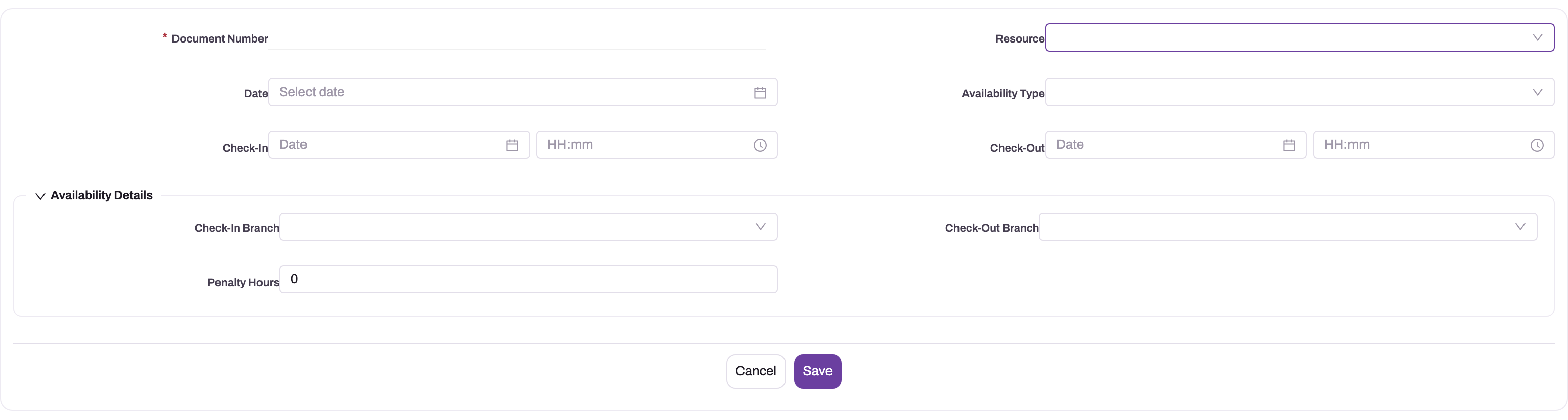
The day starts with a check-in on the mobile app, optionally with a selfie and a captured location. An administrator decides how strict it is: for gated users the app can stay closed until the day's check-in is done, or gate only specific screens. The server checks each punch against the gates you enable, including the distance between the punch and the rep's branch, working days, holidays and approved leave, and the app tells the rep which gate refused a punch.
Punches roll up into a per-day attendance record with first-in and last-out times, on the branch's local calendar day, which is what payroll and day reports key on. A check-in in a no-signal zone is queued on the device, unlocks the app at once and replays when coverage returns. Forgotten check-outs are closed by an optional end-of-day sweep with a punch visibly labelled "Auto checkout", so a supervisor can tell it from a real one.
A location trail only while the rep is working
Where your organization enables it, the app records the path of the field day for route review, visit verification and journey planning. The trail is tied to the attendance session: recording starts at check-in and stops at check-out, and there is no other trigger. Position fixes are taken on the interval you configure, typically about once a minute and only after the rep has moved a minimum distance, so standing at a counter does not generate a stream of identical points.
Fixes are batched on the device and sent in groups; offline, they queue like any other change, so a day in poor coverage still produces a complete trail. The rep is never tracked silently. The check-in screen says that location will be recorded, the operating system shows its location indicator, and the app keeps a persistent notification on screen for as long as the trail runs. Background tracking needs the phone's "always allow" permission, which only the rep can grant.
Visits, not just dots on a map
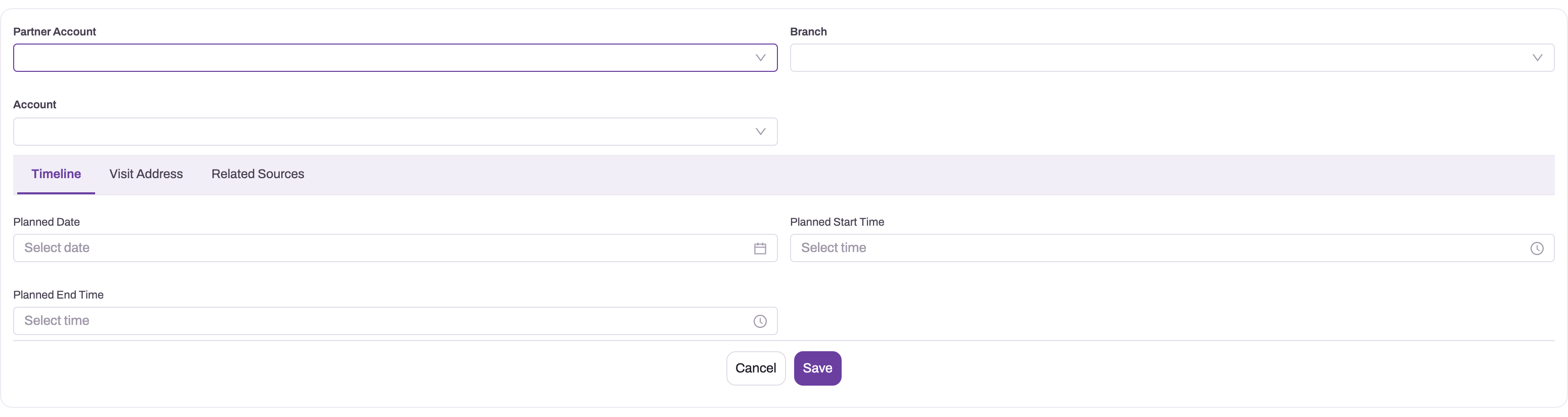
A trail shows where someone went. What a sales manager needs is what happened there. Each outlet call is a planned visit on the rep's beat, carrying its tasks, checklist, order and collection, so planned versus actual coverage is a report, not a phone call. Orders are taken offline with schemes priced by rule (offline order capture), and the same records feed secondary sales and collections.
GPS tracker app vs salesman tracking on xMatix
| Question | Stand-alone GPS tracking app | Salesman tracking on xMatix |
|---|---|---|
| Where did the day start? | A location ping | A gated check-in, with selfie and distance-from-branch where you require them |
| Where did the rep go? | A trail, often running all the time | A trail only between check-in and check-out, visible to the rep throughout |
| Which outlets were covered? | Inferred from stops on a map | Planned visits marked done, against the beat plan |
| What happened at the outlet? | Not recorded | Order, collection, tasks and checklist on the visit |
| Payroll and attendance | A separate system | The per-day attendance record payroll and day reports use |
| No network | Gaps in the trail | Punches, fixes and orders queue on the device and sync later |
Common questions
Can the app track a salesman after check-out or off shift?
No. The location trail starts at check-in and stops at check-out; outside a session there is nothing recording. The persistent notification is an independent check: if it is not showing, the app is not tracking.
Can I stop field staff checking in from home?
Yes, with the location gate. A check-in must then fall within the distance you configure from the rep's branch, and the app tells the rep which gate refused the punch. Selfie, working-day, holiday and leave gates can be enabled alongside it.
Does salesman tracking work without mobile data?
Yes. Check-ins, location fixes, visits and orders are captured on the device and synced when coverage returns. One limit: a queued check-in older than three days is rejected on sync, so attendance cannot be back-filled from a phone that stayed offline for a week.
Does continuous tracking drain the phone battery?
Continuous GPS always costs something, but fixes are taken on an interval with a minimum-distance filter, at balanced rather than maximum accuracy, and uploaded in batches. A normal working day stays well within a phone's budget.
Who can see a rep's location trail?
The people your organization's roles and permissions allow, typically the managers who review routes and journey plans. Trails are organizational records, governed like the rest of your field data.